


Free Sorting by Attribute Worksheets (Size, Shape, Color)
Does this button go in the square box or the round box? Sorting by Attribute is one of the first logical skills a preschooler learns. Our collection of Sorting Worksheets helps children organize objects based on specific properties like Size, Shape, Color, or Type. These printable PDFs are perfect for building early critical thinking skills.
Sorting is a foundational skill that connects Geometry, Measurement, and Data Analysis. Here is how to navigate our math curriculum:
- 📂 Main Categories: Math Worksheets » Measurement Worksheets
- ⏮️ Prerequisite Skill: Before sorting, check if your child can identify differences with our Same vs. Different Objects worksheets.
- 📏 Related Sorting Skills:
- Sorting by Size? Go to Big vs. Small Comparison or Ordering by Size (S-M-L).
- Sorting by Length? Try Ordering by Length.
- Sorting by Capacity? See Empty vs. Full.
🧩 Types of Sorting Activities
Sorting isn't just about putting toys away. It involves complex decision-making. In this section, you will find worksheets for:
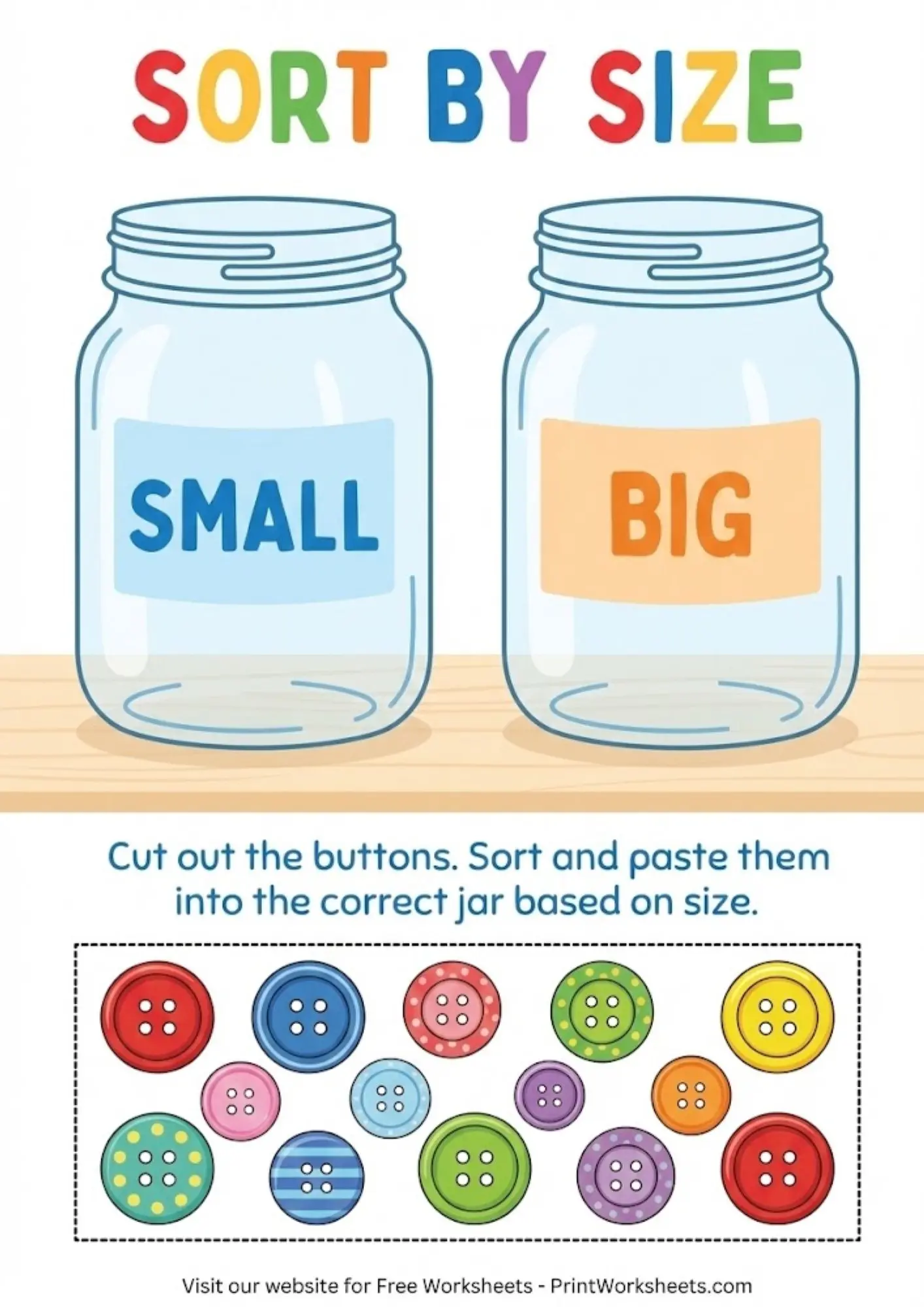
- Sorting by Size: Grouping items into "Big" and "Small" piles.
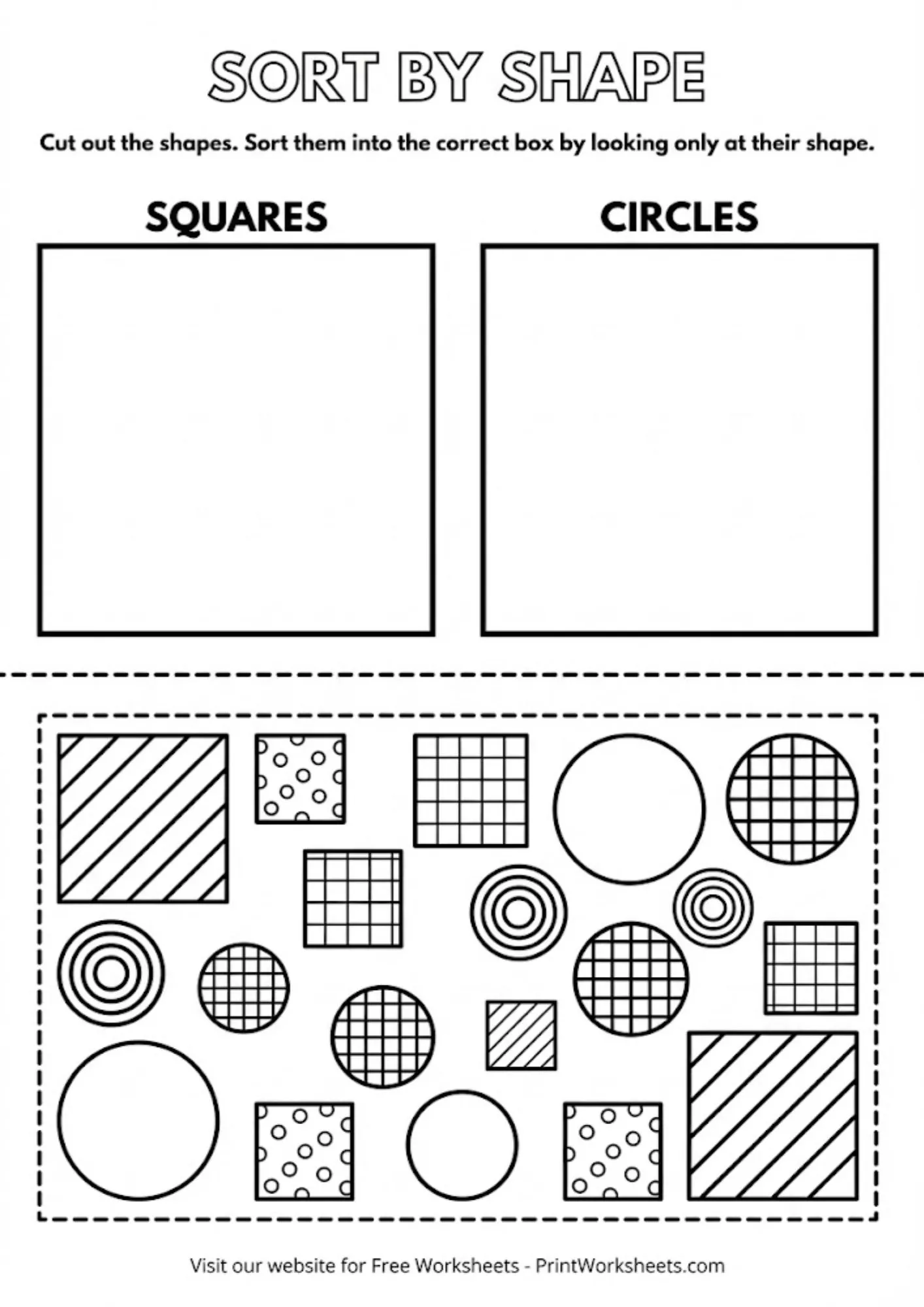
- Sorting by Shape: Separating circles, squares, and triangles.
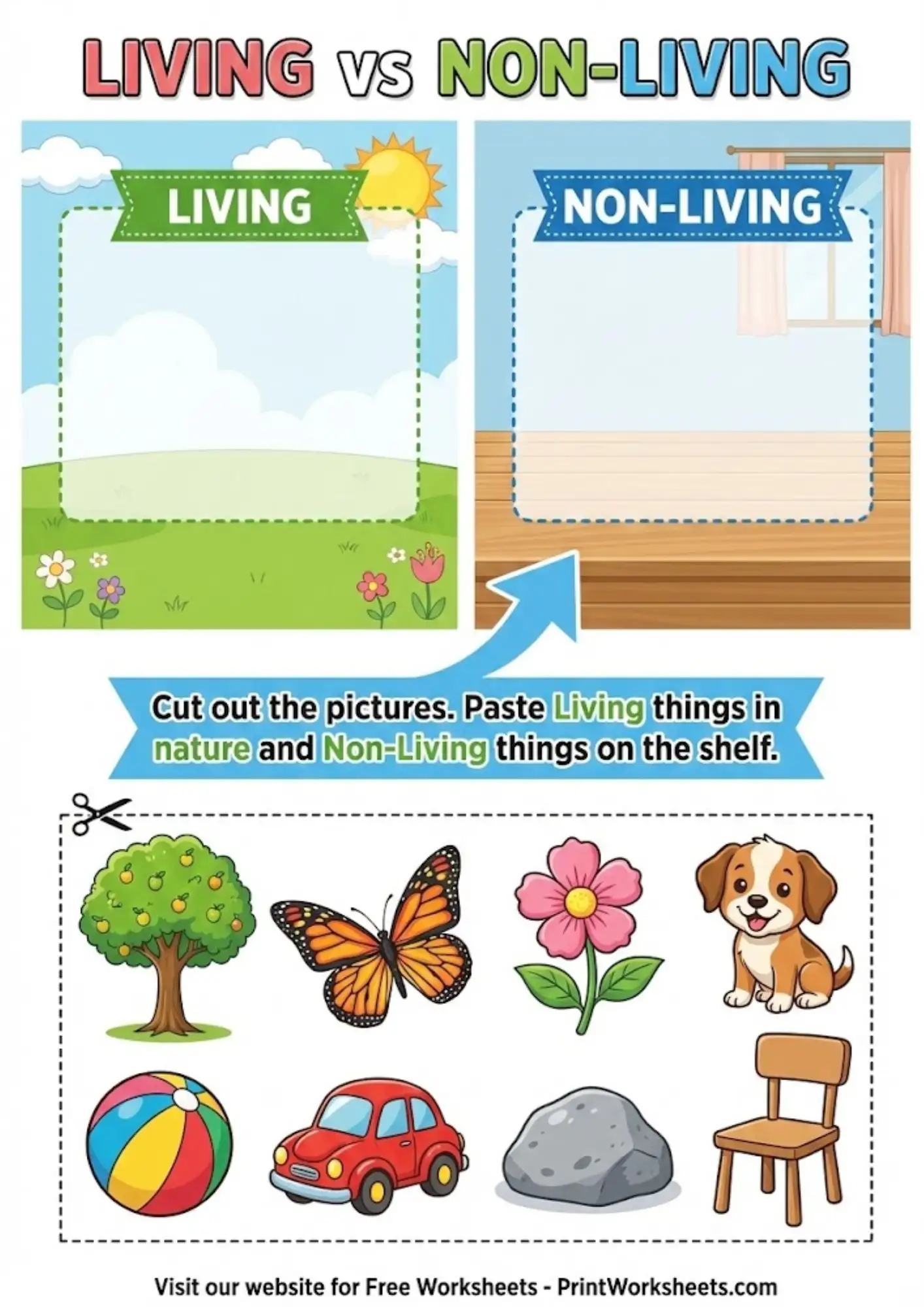
- Sorting by Type: Distinguishing between categories (e.g., Animals vs. Plants, Fruit vs. Veggie).
- Logic & Data: Preparing the mind for Preschool Math concepts like graphing.
📝 How to Teach Sorting
- Start with Real Objects: Use laundry (socks vs. shirts) or toys (cars vs. dolls).
- One Rule at a Time: Ask the child to sort ONLY by color first. Ignore the shape.
- Use our Cut & Paste PDFs: Physical movement reinforces the category concept.
- Challenge: Ask "Why?" ("Why did you put the apple here? Because it is red!").
Frequently Asked Questions
Why is sorting important for preschoolers?
Sorting is the first step in organizing data. Before a child can count "How many red apples?", they must first be able to sort the red apples from the green ones. It builds logical thinking.
What attributes should I teach first?
Start with Color (it's the most visual), then move to Size (Big vs. Small), and finally Shape or Type (Animals, Food, etc.).